


SeaAir Touchscreen Display
- Regular price
- $395.00
- $395.00
- Regular price
- Sale price
- Unit price
- per
Couldn't load pickup availability
What’s Included

Runs directly off batteries

Overnight, Daytime or Boost — 5k to 12k BTU

iOS & Android remote control

Limit total power consumption
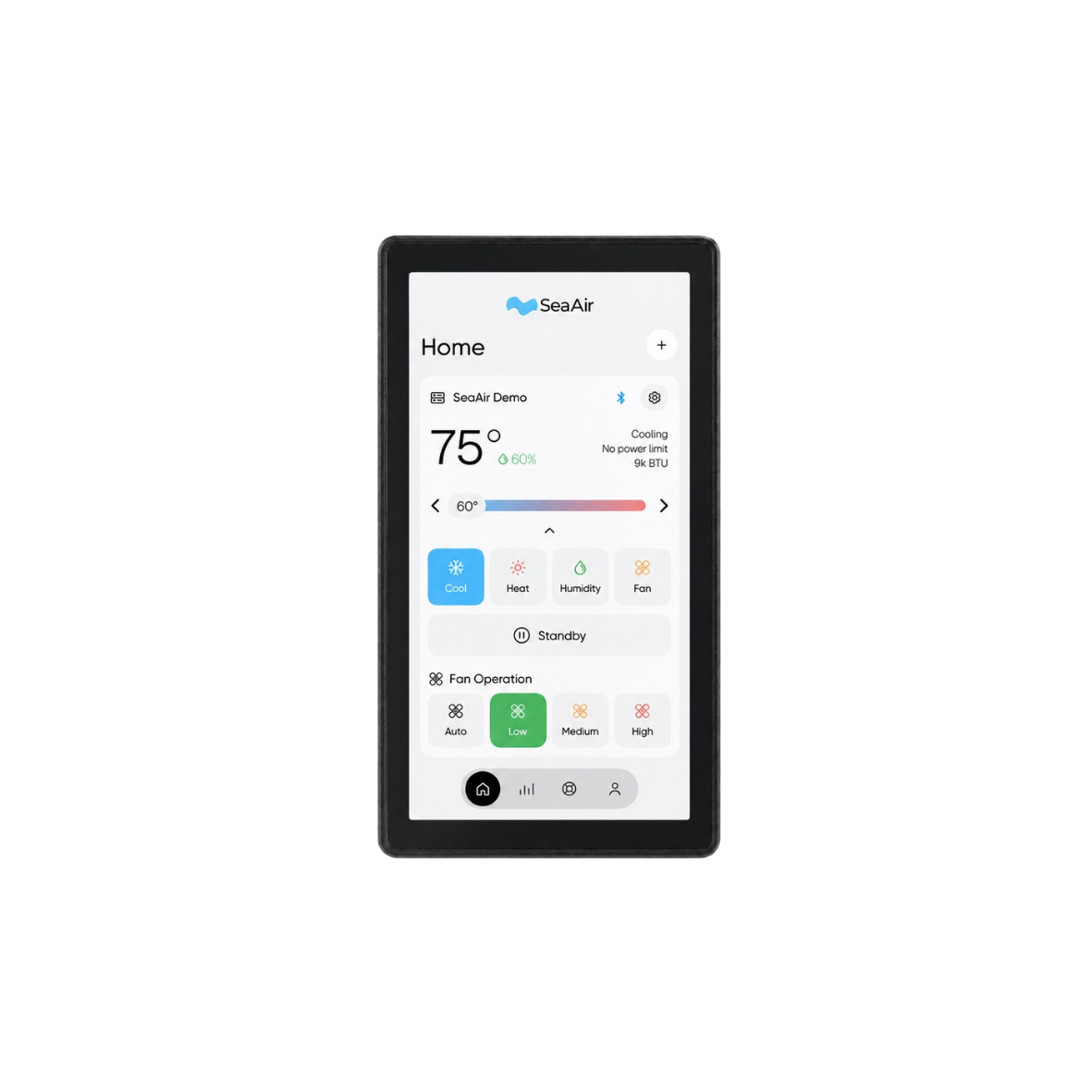
SeaAir Touchscreen Display
A phone-format Android touchscreen that runs the SeaAir app on the bulkhead. It wires straight to DC power and straight to your machine's control board, pairs with it automatically, and is on whenever the breaker is. No battery. No charging.
In stock · Ships in 3–4 days
Find an installer near youWorks with every app-enabled SeaAir climate control system. See the systems →
Two wires in. Every unit aboard, out.
Power comes from the boat, control goes straight into the SeaAir board it sits next to, and Bluetooth and Wi‑Fi reach the rest of your machines.
DC power
Your boat's power. No battery, nothing to charge.
Touchscreen Display
Android device running the SeaAir app, mounted on the bulkhead.
SeaAir control board
Direct link to the machine it's mounted next to.
Other SeaAir units aboard
Stateroom, salon, pilothouse: every app‑enabled machine, from one screen.
The wired link means the display is live the instant the breaker closes: it pairs with its machine automatically and there is nothing to drop out. The other machines on board connect the same way your phone does.
Built for a bulkhead, not a pocket.
Everything the app does, mounted where the whole crew can reach it, and engineered to sip power and look after itself.
Android, running the SeaAir app
Not a stripped-down thermostat. A phone-format Android device running the same SeaAir app you use on your phone, with every mode, budget and analytics screen.
Wired to DC power. No battery.
Powers straight from the boat's DC system. Nothing to charge, nothing to replace, always on when the breaker is.
Wired direct to the control board
A wired link to the SeaAir board it's installed beside: live from power-on, immune to wireless interference, and paired with its machine automatically.
Controls every unit aboard
Reaches the other SeaAir machines on the boat over Bluetooth and Wi‑Fi, so one screen in the salon runs the stateroom too.
Keeps itself current
App and firmware updates install themselves over the air. Same features as the newest phone app, without anyone touching it.
Sips power, sleeps when idle
Minimal draw on the house bank. The screen dims and sleeps when nobody's using it and wakes on touch.
The full SeaAir app, on the wall.
Guests adjust the cabin from the wall without touching your phone. You keep the same controls in your pocket, and both stay in sync through the machine itself.
- Modes, set point, fan and humidityCool, heat, humidity and fan control with the same slider and tiles as the phone app.
- Power budgetsSet an amp‑hour or wattage ceiling so the system never takes more than you allow.
- System health and analyticsLive performance, energy use and health checks, right on the wall.
- Help beaconStream the machine's live state to SeaAir support with one tap.

Specifications
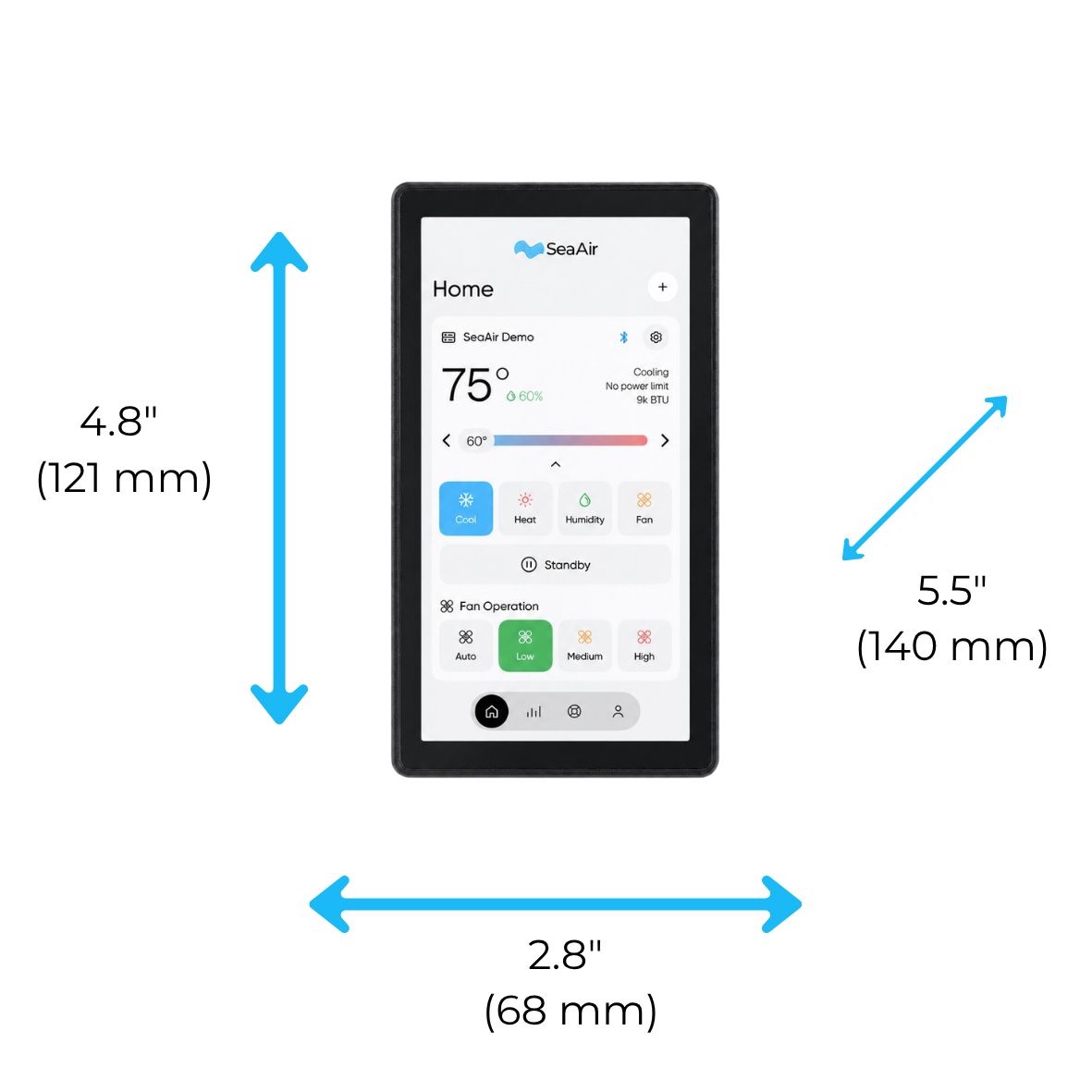
Phone-size footprint, sized for a standard bulkhead cutout.
| Screen | 5.5" capacitive touchscreen |
|---|---|
| Face dimensions | 4.8" × 2.8" (121 × 68 mm) |
| Platform | Android, running the SeaAir app |
| Power | DC, hard-wired to the boat (no internal battery) |
| Machine connection | Wired connection to the SeaAir control board |
| Wireless | Bluetooth and Wi‑Fi for additional SeaAir units and updates |
| Updates | Automatic over-the-air app and firmware updates |
| Mounting | Flush bulkhead mount |
| Compatibility | App-enabled SeaAir climate control systems |
Questions
The ones we hear at the dock.
Do I still need the phone app?
No, but you'll probably keep it. The display runs the full app on the wall; your phone runs the same app in your pocket. Both talk to the machine, so they always agree.
Does it need Wi‑Fi to work?
Not for the machine it's wired to. That link is a wired connection, live the moment power is on, and it pairs automatically. Wi‑Fi or Bluetooth is only used to reach other SeaAir units aboard and to fetch updates.
How much power does it use?
Very little. It runs from the boat's DC power with no battery to charge, dims and sleeps when idle, and wakes on touch. It won't register on a house bank next to an air conditioner.
I have two SeaAir units. Do I need two displays?
No. One display wires to one machine and reaches the others over Bluetooth and Wi‑Fi. Add a second display if you want a screen in each cabin.
What does the install involve?
Cut a bulkhead opening, run DC power and the communication cable to the SeaAir control board, and mount the display. Call us before you cut and we'll confirm the cutout for your boat.
Put the whole system on the wall.
Order the Touchscreen Display for any app-enabled SeaAir machine, or call us and we'll confirm fit for your install.
Talk to usTap the help beacon. We see what you see.
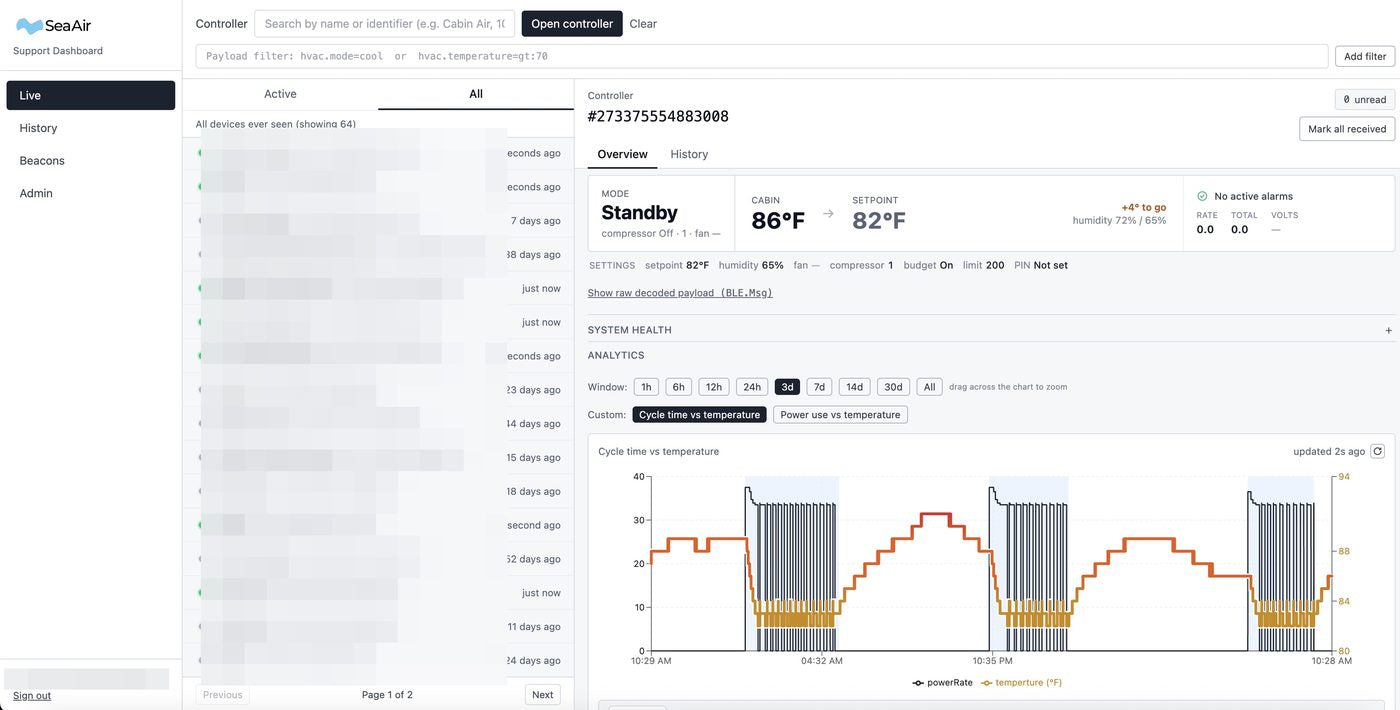
Telemetry is always on. Every SeaAir machine stores its history, runs diagnostics to catch problems early, and shares the results through the app's analytics and push notices. On WiFi it streams live to our support dashboard around the clock; with no WiFi, tap the help beacon and your phone relays it — temperatures, flow, cycle history, fault context. Real people, on the phone, looking at your machine's data with you.
- Choosing a selection results in a full page refresh.
